
The Power of Lists: How to Organize Chaos (and Your Room)
What You'll Learn
How to organize related items into collections, add and remove things from those collections, and use Python to manage groups of information — like building your own playlist manager.
Part 1
Everything Comes in Groups
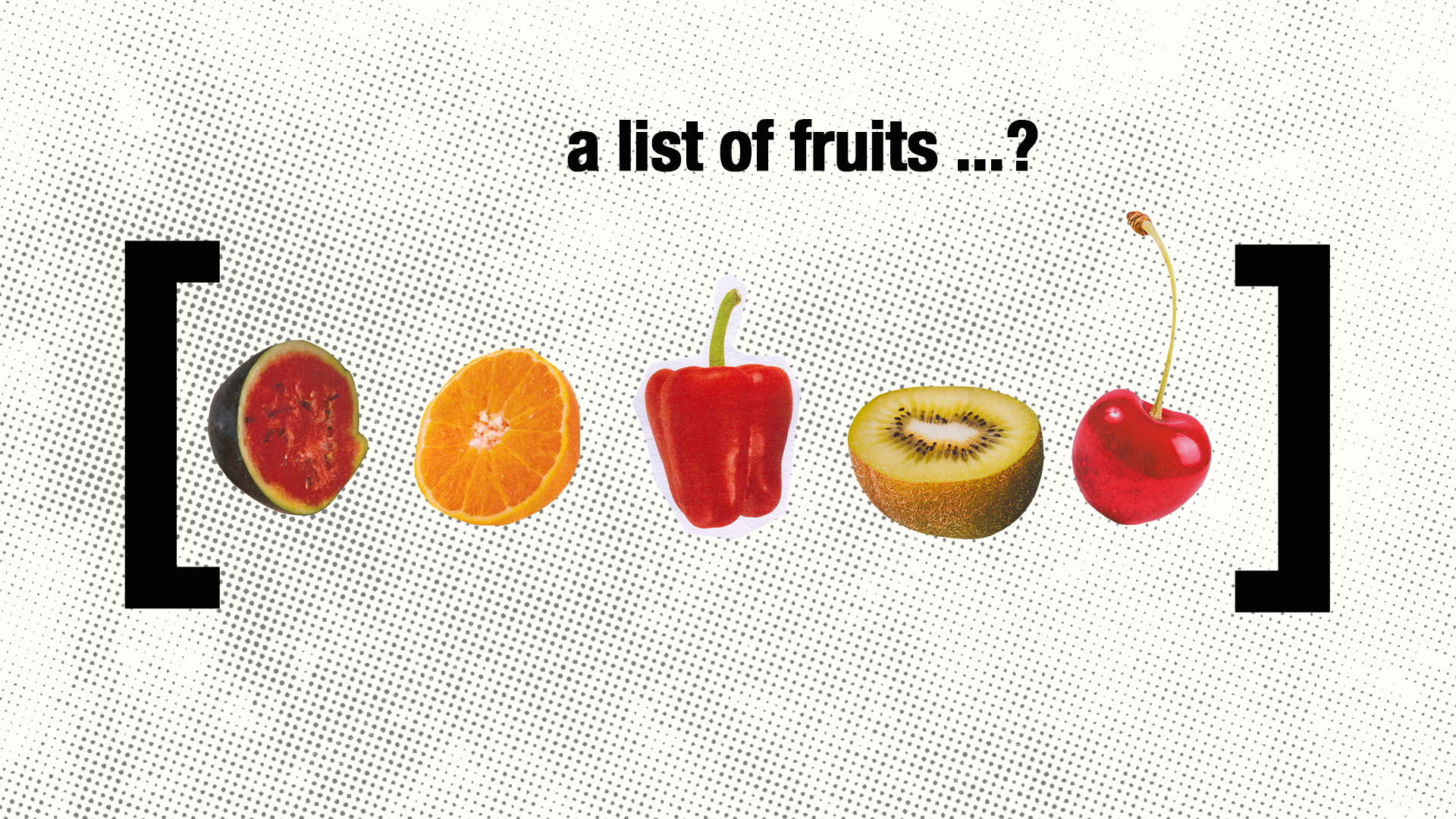
Think about your life for a second. You don't have one song you like — you have a playlist. You don't have one friend — you have a friend group. You don't carry one thing to school — you have a backpack full of stuff.
The world is full of collections: groups of related things that belong together. Your phone's contact list. Your closet. The menu at a restaurant. The roster of a sports team.
So far in Python, we've stored one piece of information per variable: name = "Lena", age = 11. But what if you want to store five names? Or twenty songs? Making twenty separate variables would be chaos.
That's where lists come in.
Part 2
Your First List
A list in Python is exactly what it sounds like — a collection of items, in order, stored under one name. You create one using square brackets []:
What Just Happened
["Fate of Ofelia", "Levitating", "Pink Pony Club", "Shake It Off"] creates a list with four items. The square brackets [] mark the start and end, and commas separate each item.
len(playlist) gives us the number of items in the list — just like len("HELLO") gave us the number of characters in a string back in Lesson 1.
Lists can hold text, numbers, or even a mix of both. You decide what goes in them.
Try adding another song to the list and run it again. Don't forget the comma and quotation marks!
Part 3
Getting Items Out of a List
Remember from Lesson 1 how each letter in a string has a position number, starting from 0? Lists work the exact same way:
Positions in a List
friends[0] gives the first item (remember, counting starts at 0)
friends[4] gives the fifth item
friends[-1] is a shortcut for the last item. -2 gives the second-to-last. This is handy when you don't know how long the list is.
Part 4
Lists Can Change
Here's what makes lists really powerful: unlike strings, you can change them after you create them. You can add items, remove items, and rearrange them.
List Operations
.append("item") adds an item to the end of the list
.remove("item") finds and removes a specific item
playlist[0] = "new song" replaces the item at position 0
Notice the dot before append and remove — these are commands that belong to the list. You're telling that specific list to do something. We saw this pattern before with .upper() and .lower() on strings.
Part 5
Going Through a List With a Loop
In Lesson 1, we used for to go through each letter in a string. The same trick works with lists — and it's one of the most useful things in all of programming:
That's clean, right? No matter how many songs are in the list — 4 or 400 — the loop handles them all.
We can also number the songs using a counter variable:
What Just Happened
We created a variable called number and set it to 1.
Each time the loop runs, we print the number alongside the song, then increase number by 1.
So the first song gets "1.", the second gets "2.", and so on. This is a very common pattern — using a counter inside a loop.
Part 6
Building a List From User Input
So far, we've been writing the list items directly in the code. But what if we want the user to create their own list? We can start with an empty list and use .append() to add items one at a time:
That works, but it's a bit repetitive — we wrote almost the same code three times. What if we want 10 songs? 50? There has to be a better way.
There is — we can use a loop to collect the input too:
New Thing · range()
range(count) generates a sequence of numbers from 0 up to (but not including) count. So range(3) gives us 0, 1, 2 — three numbers, which means the loop runs three times.
We don't actually use the number i here — we just need the loop to repeat the right number of times. The variable name i is a common convention for "I don't need this value, I just need to count."
This is a huge upgrade: now the same code works whether the user wants 3 songs or 30!
Part 7
Adding Randomness
What's a playlist without a shuffle button? Python has a built-in way to add randomness — you just need to import it. Think of importing like borrowing a tool from a toolbox:
Run it several times — you'll get a different random pick and a different order each time!
What Just Happened
import random loads Python's randomness toolbox. You only need to do this once, at the top of your code.
random.choice(playlist) picks one random item from the list.
random.shuffle(playlist) rearranges the entire list into a random order — just like shuffling a deck of cards.
Part 8
Searching a List
Another super useful thing: checking whether something is in a list. Python makes this incredibly easy:
New Thing · in
search in playlist is a True/False question: "Is this value somewhere in the list?"
It checks every item in the list and returns True if it finds a match, False if it doesn't.
Remember: the match has to be exact. "Flowers" won't match "flowers". You could fix this by comparing search.lower() against lowercased versions — but that's a challenge for later!
Part 9
The Complete Playlist Manager
Let's put it all together — a playlist manager where you can add songs, view the list, shuffle it, get a random pick, and search:
Try adding 3-4 songs, then test each option. The program only lets you do one action right now — in later lessons, you'll learn how to make it loop so the user can keep going.
Part 10
Organizing With Multiple Lists
The real power of lists shows up when you use several lists to organize information into categories. This is categorization — a form of decomposition where you break information into meaningful groups.
New Thing · Combining Lists
chill + hype + focus joins three lists into one big list. Just like + joins text together, it also joins lists!
songs = chill doesn't copy the list — it makes songs point to the same list as chill. This is fine for our purposes. You'll learn more about this in later lessons.
Part 11
What You Just Did
You learned to organize information into collections and work with those collections as a whole. Instead of needing twenty variables for twenty songs, you use one list.
And you learned categorization — breaking information into meaningful groups. The chill playlist, the hype playlist, the focus playlist. Same songs, but organized by purpose.
This is how the real world works. Spotify organizes millions of songs into playlists, albums, and genres. Your school organizes students into classes and grades. Stores organize products into departments and shelves. Every time someone takes a mess of information and puts it into groups that make sense — that's categorization.
The Big Idea
When you have many related things, don't manage them one by one — put them in a collection. Then you can search, sort, filter, shuffle, and count them with just a few lines of code. Don't forgetL organization isn't just about neatness; it's about making information useful.
Thinking Questions
- Why is a list better than having separate variables like
song1,song2,song3? - If you were organizing your room, what categories would you use? How is that like using multiple lists?
- Can you think of a real app that uses lists? What kinds of things are in those lists?
Challenges
Level Up
Challenge 1 · To-Do List
Build a to-do list manager. Let the user add tasks, view all tasks, and mark a task as done (remove it from the list). Display how many tasks are remaining.
Challenge 2 · Team Picker
Ask for a list of player names, then randomly divide them into two equal teams. Display both teams. Hint: shuffle the list first, then split it in half using slicing (players[:half] and players[half:]).
Challenge 3 · Quiz Game
Create two lists: one for questions and one for answers (in the same order). Show each question one at a time, get the user's answer, and check if it matches. Track their score and display it at the end.
Summary
What You Learned
Thinking Skill
Categorization — organizing related items into meaningful groups. Ask: "What belongs together? How should I group these?"
Python Concepts
Lists — ["item1", "item2", "item3"]
Accessing items — list[0], list[-1]
.append() — add an item to the end
.remove() — remove a specific item
len(list) — how many items
for item in list: — loop through every item
item in list — check if something exists in a list
range(n) — generate numbers 0 to n-1 (useful for repeating)
import random — load the randomness toolbox
random.choice(list) — pick a random item
random.shuffle(list) — randomize the order
list1 + list2 — combine two lists
Lessons 1–4
Decomposition — break big problems into small steps
Abstraction — decide what details matter
Deductive Reasoning — design rules, gather facts, reach conclusions
Categorization — organize related items into meaningful groups